Grab My Blinkie

OBSESSED FORUM

I CT For


Blogs I Love






Popular Posts
-
 Beautiful and wintery Scrap Kit by PinkParadox! 145 elements,10 frames and 30 papers Beautiful Kit can be bought here: http://pi...
 -
 Beautiful colorful and fun Scrapkit Dees'Sign kit is available here: http://deessigndepot.com/store Beautiful 95 elements, 1...
 -
 Beautiful kit by Kissing Kate with beautiful elemnts and colors! 98 elements,10 papers and 4 frames You can buy it here: http:...
 -
 Beautiful scrapkit with dark colors and stunning elements! Perfect for the Halloween season! 76 elements 4 frames 9 papers and w...
 -
 Beautiful and wintery Scrap Kit by PinkParadox! 145 elements,10 frames and 30 papers Beautiful Kit can be bought here: http://...
 -
 Beautiful scrapkit with dark colors and stunning elements! Perfect for the Halloween season! 77 elements 5 frames 10 papers and ...
 -
 Beautiful and wintery Scrap Kit by PinkParadox! 95 elements,10 frames and 25 papers Beautiful Kit can be bought here: http://pin...
 -
 Beautiful colorful Christmas Scrapkit Amazing elements and papers as word art and Christmas animations! Dees'Sign kit is av...
 -
 PTU Kit By Irish princess design called Victorian Valentine Can be bought here: Smiley Creations http://smileycreations.co.uk/ ...
 -
 Beautiful scrapkit with dark colors and stunning elements! Perfect for the Halloween season! 70 elements 6 frames 10 papers and wo...
Showing posts with label CT CDO. Show all posts
Showing posts with label CT CDO. Show all posts
Saturday, November 7, 2015

Beautiful Hungry Hill called Daydreamer
Purple and pink colors mic to make this stunning kit for all occations
51 elements 2 frames and 12 papers and word art.
Can be bought here: http://www.cdoestore.com/
Made by: http://sonjassazzyworld.blogspot.ca/

Thursday, October 15, 2015

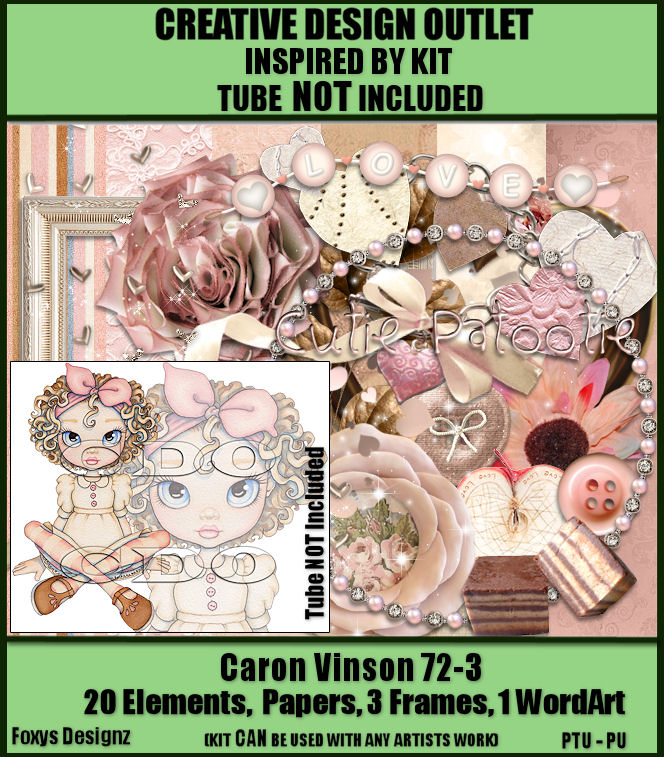
Beautiful small pink kit to match cute tube by Caron Vinson
20 elements 3 frames and papers and word art.
Can be bought here: http://www.cdoestore.com/
Made by: http://sonjassazzyworld.blogspot.ca/
Friday, September 25, 2015

I think Anne Marine is my favorite of all time so here is gorgeous kit to match one of her tubes!And beautiful tube it is!
Kit is made by LadyHawk designs!
Kit is made for this coldish and fall season with beautiful set of colors!
20 elements 2 frames and 8papers and 1 word art.
Can be bought here: http://www.cdoestore.com/
Made by: http://sonjassazzyworld.blogspot.ca/

Thursday, September 24, 2015

This is really stunning autumn kit!
amazing frames flowers and elemental ll in gall colors!
amazing frames flowers and elemental ll in gall colors!
68 elements 7 frames and 12 papers and 4 word art.
Can be bought here: http://www.cdoestore.com/
Made by: http://sonjassazzyworld.blogspot.ca/

Wednesday, September 16, 2015

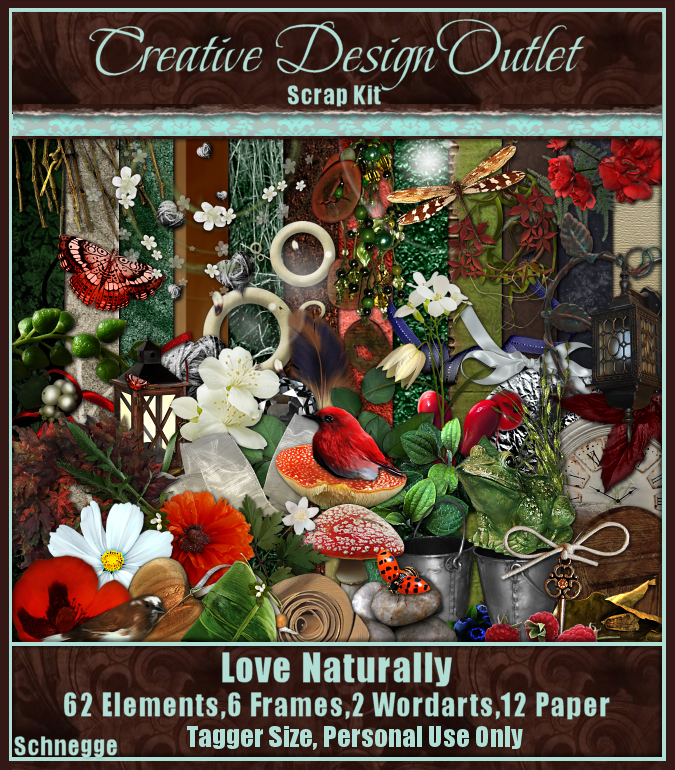
Beautiful natural kit with gorgeous elements!
Suitable for all occasions!
Suitable for all occasions!
62elemnts 6 frames and 12 papers and two word art.
Can be bought here: http://www.cdoestore.com/
Made by: http://sonjassazzyworld.blogspot.ca/
Thursday, July 23, 2015

Beautiful pinkish summery scrapkit!
39 elemnts 3 frames and 5 papers and a word art.
Can be bought here: http://www.cdoestore.com/
Made by: http://sonjassazzyworld.blogspot.ca/


Friday, June 26, 2015

Beautiful pink scrapkit ! 29 elemnts 3 frames and 6 papers.
Can be bought here: http://www.cdoestore.com/
Made by: http://sonjassazzyworld.blogspot.ca/

Thursday, June 25, 2015

Monti's Scraps - Burlesque Nights
Beautiful burlesque kit with black and red color combination!
Amazing 60+ elements, 15 papers, 6 frames, 2 word arts
Can be bought here:
http://www.cdoestore.com/

Friday, June 12, 2015

Beautiful dark scrap kith for all goth lovers!
55 gorgeous elements,6 frames 12 papers and 2 word art!
Can be bought here:http://www.cdoestore.com/


Wednesday, May 13, 2015

Beautiful orange and green pastel colors in this scrap kit for all occasions.
20 gorgeous elements,3 frames 6 papers and word art!
Can be bought here:http://www.cdoestore.com/

Animated version

TUTORIAL
Tutorial was written for those that have a working knowledge of PSP
Any resemblance to any other tut is purely coincidental.
Please do not copy it in anyway, do not resize, edit it or claim it’s as your own.
Material:
PTU kit Chichi Designz called ScrapCD_IceCreamPear-sm
Can be bought here: http://www.cdoestore.com/
Tube by Amy Matthews
Can be bought here: http://www.cdoestore.com/
Font: 1Snappy DNA
Animation: Missy Animations2
http://divineintentionz.blogspot.ca/2011/05/new-animations.html
Tutorial:
Image 700x700 white background
Paste frame 3
Behind add paper 6 resize by 60 %
Select inside the frame, selections, modify expand by 10
Select paper layer invert and delete
Add the tube of your choice
Position in the middle of the frame
I started with pears element, resize it by 60 and move more to the left
Duplicate and mirror, add shadow
Add Pearblossom element to the right side of the frame
Add grass element and on top
Add element Flowervine2, add shadow
Behind tube add Tulips and leave it just as it is
On the right side behind the tulips place the element bottle, resize by 30
On other side place element cupcake, resize by 30 and duplicate
In front of the tube place the bird element and resize by 20
Duplicate the bird and mirror it
After that I duplicate the tube 3 times and positioned behind the frame, on the paper
I positioned so that all space is filled up with the face of the tube
And the blend mode is soft light on all three
Erase the excess of the tube so it is no visible behind the frame.
Add name and copyrights
Hope you enjoyed and if you have questions don’t hesitate to ask.
ANIMATION:
Open animation in Animation Shop, select all
Go back to psp add name and go to edit copy special, copy merged
Paste as new animation in animation shop
Copy layer 15 times and select all
Copy animation
Go back to tag and paste into selected frames
Save as gif
Thursday, April 23, 2015

Beautiful blue pastel colors in this scrap kit for all occasions.
55 gorgeous elements,8 frames 14 papers and word art!
Can be bought here:http://www.cdoestore.com/


Monday, April 6, 2015

Beautiful spring scrap kit with beautiful pastel colors and 66 elements, 12 papers,4 frames and 3 word art
can be bought here: http://www.cdoestore.com/

Any resemblance to any other tut is purely coincidental.
Please do not copy it in anyway, do not resize it or claim it’s as your own.
Material:
Scrap Kit by Hungry Hill called Always and can be bought here:
http://www.cdoestore.com/
Beautiful tube by Pinnup toons
Can be bought here:
http://www.cdoestore.com/
Font: SnappyDna
Tutorial:
New, white background 650x650
I started the tag with bench element
Resize by 60 % and place it in the middle
I added the tube next and then placed all around it
I started with the well tube
Postion it behind the tube and resize by 60%
I placed then flowerpot on the right in front of the bench
Resize by 60% and add shadow
Just to note this, I always put shadows on elements and tags
In front that i put the pots and resized by 60
And in front that I put beads also resized by 60
Jut mirror the and flip so they fit on right side
In front of the tube i pasted leaf-border and flower 5
And in front of that word art spring,shadow
Beside the tube tulip 1
On the bench I pasted pillow, resize to you liking
I like it smaller so bench can be visible and resized by 50
In fron that I put watercan, also resized by 50
Behind the bench i pasted bicycle and resized by 60
Behind all that i put flower-vine and made it smaller also
At the back added frame 2, resize by 60
Select inside with magic wand and slect modify expand by 5
Paste paper 2 and select the layer
Selections invert and delete
Add name and copyright
Hope you enjoyed!If you have questions dont hesitate to ask!
Subscribe to:
Posts
(Atom)
My Blog List
-
TWILIGHT ORCHARD BLOG TRAIN! - *TWILIGHT ORCHARD BLOG TRAIN!* Welcome to my stop on the *Twilight Orchard Blog Train!* I hope you enjoy my free contribution inspired by cozy autumn orc...
-
Misfits Christmas Goodies - Ok I asked our members to come up with some new Christmas goodies and they surely have just done that and more. Thanks so much to Basima, Mary, Anne, Chris...

-
-
Countdown to Christmas: Dec 19 - Dec 21 - Request a Custom Order and get any Premade Blog Design from SHOP! for free. *From December 19 - December 21 BUY 1 - GET 1 FREE. * All info - HERE. ♥

-
AUTUMN FALL - DOWNLOAD '4SHARED' HERE DOWNLOAD 'MEDIAFIRE' HERE [image: post signature]


